How day use works for hotels, from listing to invoice
Published on 1 October 2026
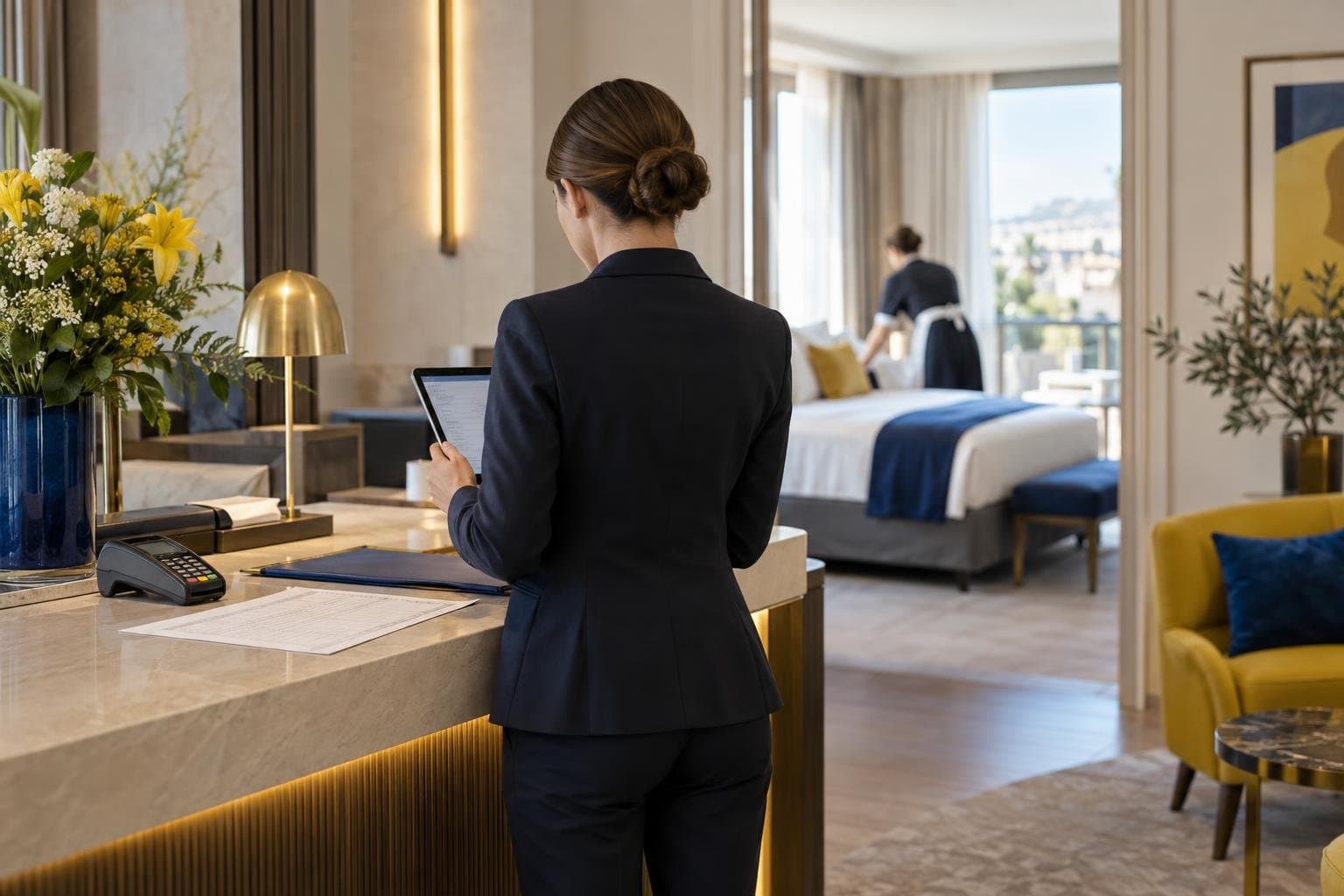
Day use lets hotels offer rooms and selected spaces for a few daytime hours. The hotel decides which time slots are available, which services are included and how many rooms can be sold.
For hotel teams, the key question is practical: how does the process work from the first listing settings to the monthly commission invoice?
With RoomForDay, the hotel manages availability, rates and time slots in a dedicated back office. It receives bookings according to the chosen booking flow, welcomes guests on site and, in the general case, collects payment directly at the hotel. RoomForDay then issues a monthly summary and commission invoice.
1. Build a day use offer that fits hotel operations
A day use offer starts with the hotel’s own operational choices. The property defines the daytime slots it wants to open and the rooms or spaces it wants to sell.
Time slots are agreed with the hotel. They are designed to end before evening arrivals, so overnight operations remain intact. If a date is already full, or expected to become busy, the hotel can simply close its day use availability for that date.
Opening days are also chosen by the hotel. A property may open on selected weekdays, during quieter periods or throughout the year. There is no requirement to make every room available every day.
Day use can include more than a room. Depending on the property and its facilities, individual extras can be offered, including:
- Meeting rooms
- Spa access
- Fitness access
- Parking
- Restaurant services
- Early check-in
- Late check-out
This makes it possible to create an offer that reflects the hotel’s actual facilities and reception procedures.
No allotment and no exclusivity
RoomForDay does not require allotment or exclusivity. The hotel remains free to work with its other sales channels.
The hotel controls the number of rooms available for day use. Ten rooms are set by default, but this number can be reduced to two or three rooms for a more limited launch. It can then be adjusted as operational needs change.
2. Manage availability, rates and slots in the back office
Once the offer is live, the RoomForDay back office is the hotel’s management tool for the day use listing.
It is used to manage three essential elements:
- Availability
- Rates
- Time slots
Planning can be organised on a daily, weekly or annual basis. Teams can prepare recurring availability in advance, then adapt it when occupancy forecasts, events, staffing or room allocation needs change.
For example, a hotel may open a daytime slot on selected weekdays, reduce the number of rooms during a busy period or close availability when overnight demand requires it. These changes are managed directly in the back office.
Keep the offer aligned with daily operations
Day use needs to fit reception, housekeeping and room allocation routines. The back office gives teams a practical way to keep the offer aligned with those routines.
The hotel sets the conditions it needs for its own operation. It decides when bookings can be accepted, which rates apply and which time slots are displayed. This allows the daytime offer to remain separate from the hotel’s evening arrival schedule.
3. Choose the appropriate booking flow
RoomForDay provides five booking modes. The applicable mode depends on the hotel’s operating setup and the offer concerned.
Instant booking
With instant booking, the reservation is confirmed immediately according to the availability, rates and conditions configured by the hotel.
This flow can suit hotels that want a direct confirmation process for clearly defined daytime availability.
Bank card guarantee
With a bank card guarantee, an imprint is taken through Stripe. No amount is charged when the reservation is made.
If the guest does not arrive, the guaranteed amount can be charged at the hotel’s request. This gives the hotel protection for no-shows while keeping payment on site for the stay itself in the general case.
On-request booking
With an on-request booking, the guest sends a reservation request first. The hotel reviews the request and validates it before the booking is confirmed.
This can be useful when a hotel wants to check a specific operational point before accepting the reservation.
Deposit and full online payment in rare situations
Deposit and full online payment are also available in limited situations. They are reserved for rare cases, such as certain hotels outside France or properties without a reception.
They are not the standard payment flow and should not be considered the general model for RoomForDay hotels.
For most properties, the guest pays directly at the hotel. This is the usual payment process to keep in mind when setting up a day use offer.
4. Welcome the guest and collect payment on site
On the day of the stay, the hotel remains responsible for the guest experience. The team handles the welcome, room assignment, access to included services and any on-site requests.
In the general case, the guest pays for the stay directly at the hotel. The hotel therefore collects the guest payment itself, according to its usual on-site payment procedures.
This also keeps the hotel in direct contact with the guest during the stay. Reception teams can apply their own standards and explain the services included in the booking.
Manage additional services clearly
Some guests may use services beyond the room itself. Depending on the offer, this may include parking, restaurant services, spa or fitness access, early check-in, late check-out or a meeting room.
The hotel defines what is offered and how it is presented. Clear information on the booked slot and included services helps reception teams prepare the guest’s arrival.
For reservations with a bank card guarantee, the card imprint is not charged at booking. In the event of a no-show, the hotel may request the debit of the guaranteed amount.
5. Understand the monthly commission process
RoomForDay works with a commission calculated as a percentage of customer turnover. The commission rate is communicated during registration.
There are no installation fees and no fixed fees. In the usual payment flow, the commission is not taken from the amount paid by the guest at the hotel.
Instead, RoomForDay sends the hotel a monthly summary of relevant bookings, together with a monthly commission invoice.
The hotel then pays that commission by card or SEPA direct debit through Stripe, using a payment method requested after the first booking, not at sign-up.
The money flow, step by step
The overall process can be summarised simply:
- The hotel configures its availability, rates and daytime slots in the back office.
- The guest books through the applicable booking mode.
- The hotel receives the booking and prepares the stay.
- In the general case, the guest pays the hotel directly on site.
- RoomForDay sends a monthly booking summary and commission invoice.
- The hotel pays the commission by card or SEPA direct debit through Stripe.
This separates the guest payment from the platform commission. It also gives the hotel a regular document to review the bookings concerned and the commission due.
6. Get support throughout the process
Day use availability may need regular adjustments. A hotel may need to update a rate, close a date, change a time slot or revise the number of rooms available.
RoomForDay provides a dedicated account manager for hotel partners, as well as customer service available 7 days a week. Hotels can also access revenue analysis to review their day use activity.
The aim is to give teams a clear framework: the hotel keeps control of its offer, manages its daily availability and handles the guest stay directly.
FAQ
Does day use affect overnight hotel operations?
Daytime slots are defined with the hotel and end before evening arrivals. The hotel can also close availability on dates that are full or expected to be busy.
Does the hotel receive the guest payment from RoomForDay?
In the general case, no. The guest pays the stay directly at the hotel. RoomForDay later sends a monthly summary and a commission invoice.
Can the hotel control how many rooms are available?
Yes. The number of rooms can be adjusted in the back office. Ten rooms are set by default, and this can be reduced to two or three rooms when needed.
Ready to set up a day use offer?
RoomForDay has supported hotels with daytime stays since 2011. Join the network and configure an offer that fits your property’s operations: https://partners-roomforday.com/en